Making Your First Connection
Published on January 9, 2026
MAKING YOUR FIRST CONNECTION
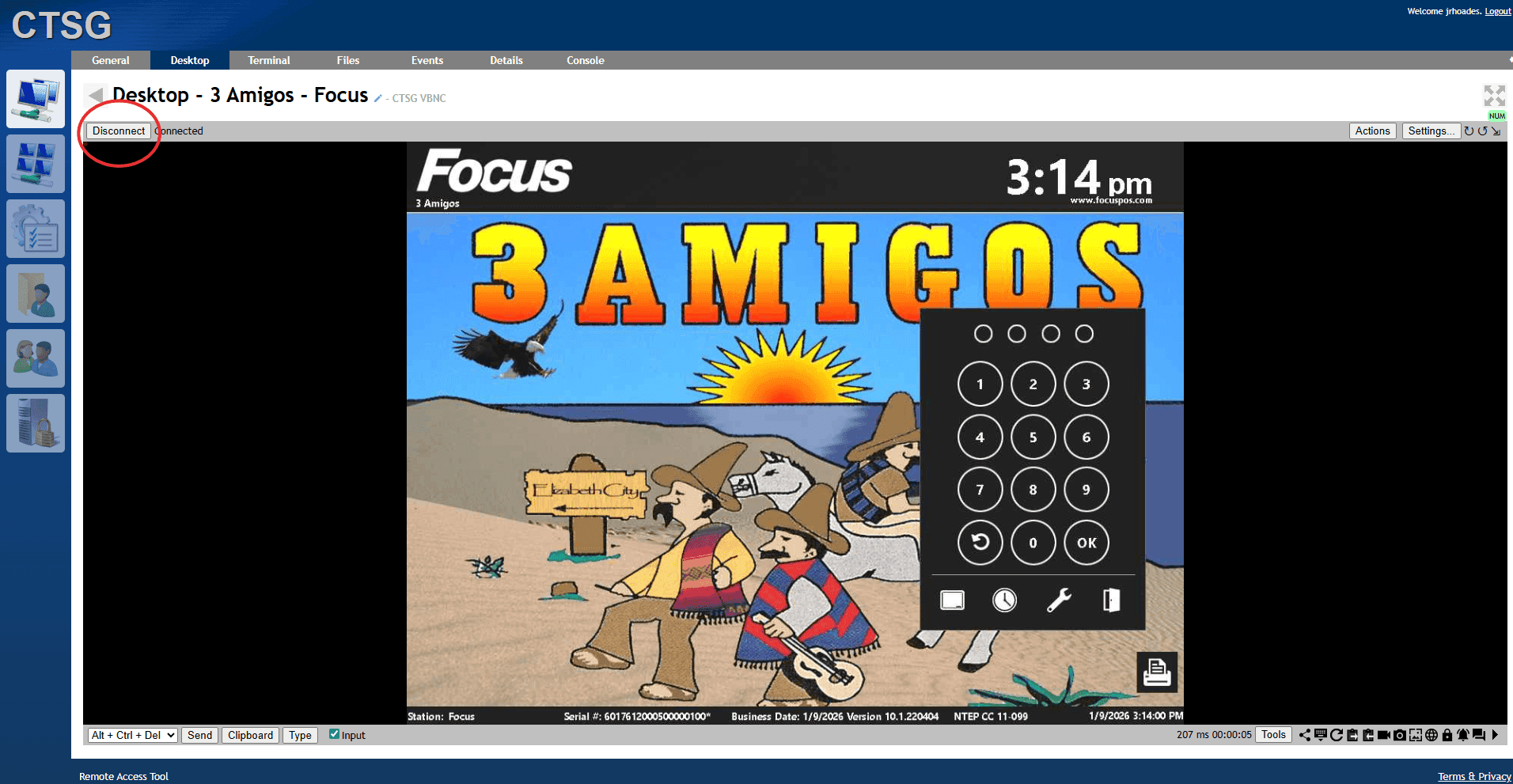
1. Click on the PC you are needing access to.
2. Choose the desktop tab in the top of the new page that pops up.
3. Hit the connect button at the top of the blanked viewer.
4. Access is complete and work can be done.
NOTES:
1. Copy/Paste options are not available through keyboard macros, only available through the "Clipboard" option on the bottom of the viewer.
SELECT THE PC YOU WANT TO LOGIN TO AND HIT DESKTOP AT THE TOP OF THE SCREEN.


CONTINUE WITH THE NEEDED WORK
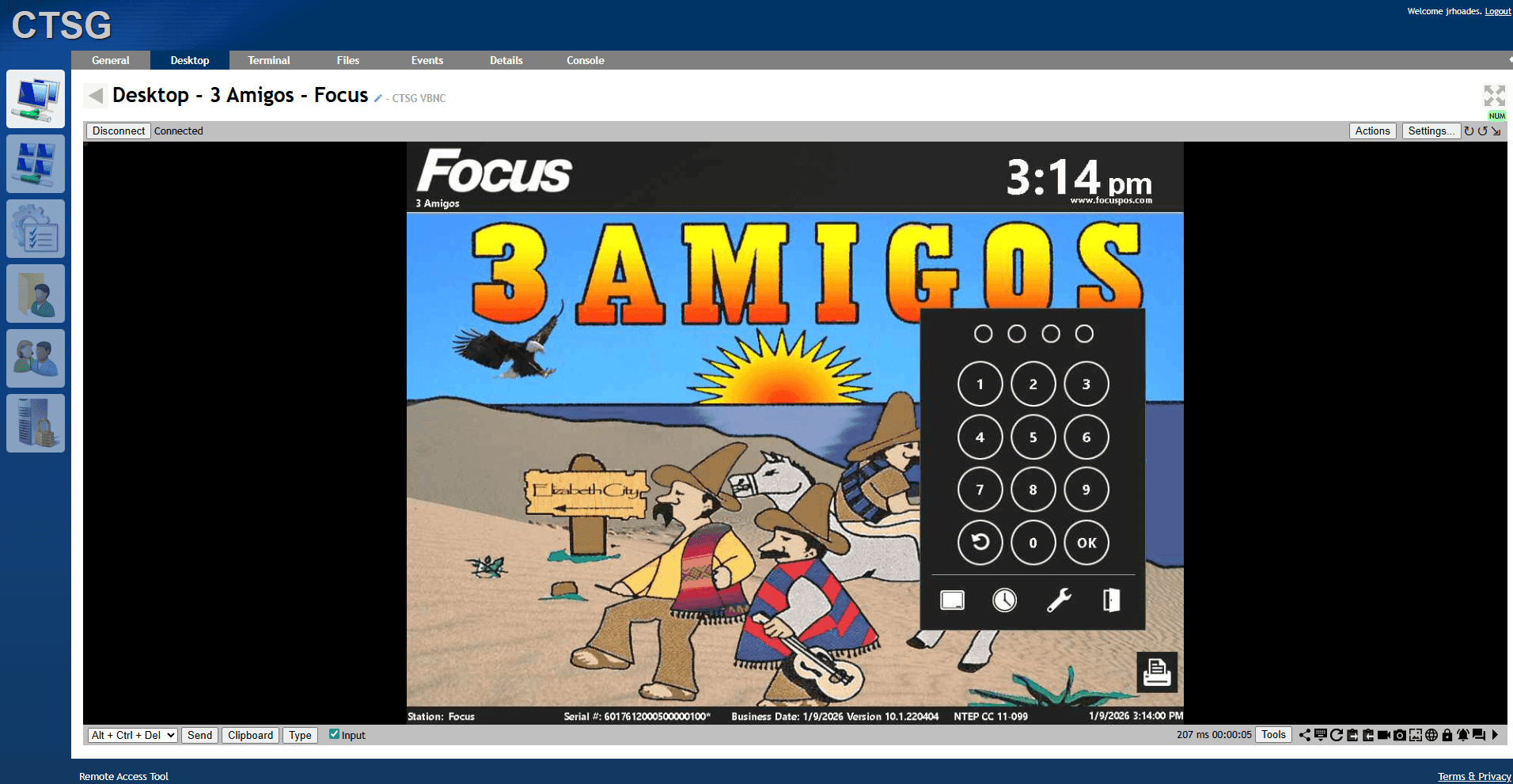
DISCONNECT FROM THE DEVICE